
Add holidays to Outlook calendar
You’re definitely not the first to schedule a meeting on Whit Monday or Ascension Day by mistake. This can easily be prevented by adding public holidays to your Outlook calendar. Fortunately, Outlook has a built-in feature for this.
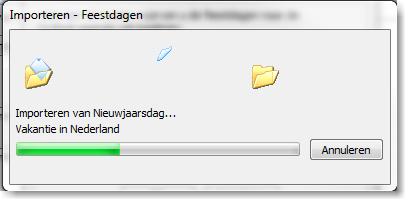
Steps to Add Holidays in Outlook
- Open Microsoft Outlook
- Go to Tools >> Options

- Select Calendar Options

- Click Add Holidays

- Select the country or countries of your choice
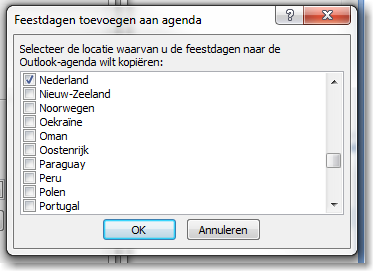
- Click OK
- The holidays will now be added to your Outlook calendar
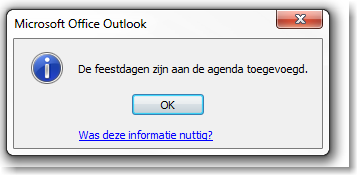
- A notification will appear once the holidays are successfully added
Apply to All Countries at Once
You can also apply this action to all countries you have contacts with, in one go.