Add Week Numbers to Your Outlook Calendar
Even if you don’t personally use week numbers, your clients and contacts might. No problem—just enable week numbers in your Outlook calendar.
How to Show Week Numbers in Outlook Calendar
- Go to >> File

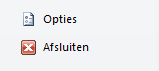
- Click >> Options
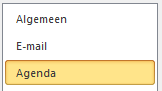
- Select >> Calendar
- Go to section >> Display options

- Check the box >> Show week numbers in the month view and in the Date Navigator

- Click >> OK
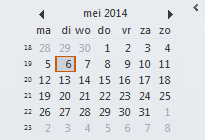
- Week numbers will now be shown in the Date Navigator
Week Numbers in the Calendar View
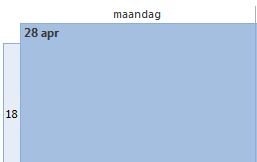
- Week numbers will also be shown in the monthly calendar view
- Go to the tab >> Home
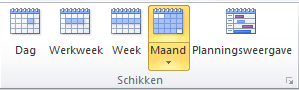
- Click >> Month in the group >> Arrange
- Week numbers are now displayed in your calendar