
Business Information in Google
When someone searches for your business, you will definitely appear in Google, but what information is shown? You can set this yourself—and it’s free.
Check today whether the information about your business on Google is correct, and update it if it’s inaccurate or incomplete. Without the correct address, phone number, and opening hours, you will definitely miss out on new customers.
This can be done in a few simple steps.
- Google account for your business
- Select your business
- Edit business information
- Add opening hours to your location
Google Account for Your Business
Before you can register and manage your business in Google, you need a Google account. If you don’t have one yet, you can create a Google account here.
Select Your Business
- Log in to Google My Business
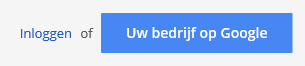
- After logging in, Google shows the businesses linked to the account

- There may be more, select the correct one
- Click >> Manage Page
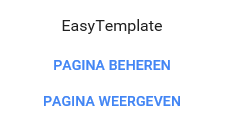
- You are now in the >> management screen
Edit Business Information

- Click Edit to modify your information
- For example, update your business name as it appears on your business cards
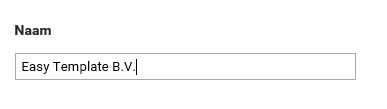
- Click >> Save to confirm
Add Opening Hours to Location
- If you have a physical location where people can visit, add your opening hours
- Go to your business
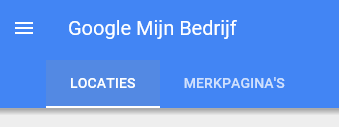
- Click >> Locations
- Select your location
- Click Edit
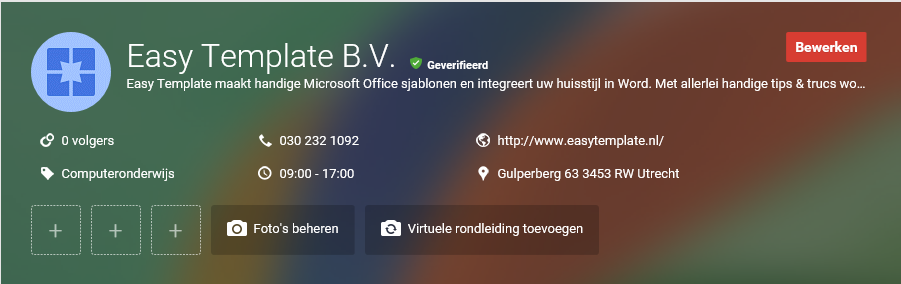
- Select >> Opening Hours
- Don’t forget to save your changes at the end