
Copy or move worksheets
Why copy each part individually into a new worksheet in Excel when you can move or copy an entire worksheet from another file all at once?
Copy Excel Worksheets
- Open both the Excel file containing the worksheet you want to copy and the file to which you want to copy it.
- Right-click on the sheet tab of the worksheet to be copied

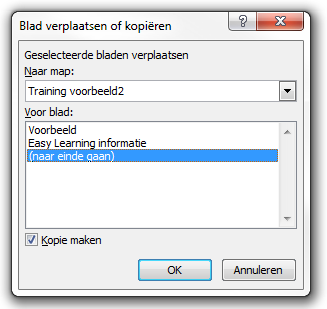
- Select Move or Copy Sheet

- The Move or Copy window appears
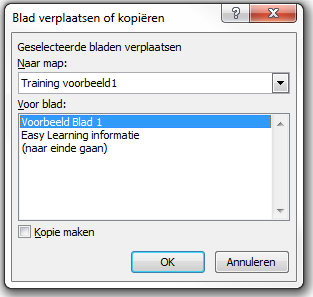
- Check the box for Create a copy

- Select the destination Excel file
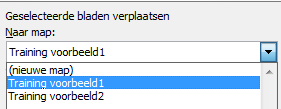
- In this example, it’s Training voorbeeld 2
- Choose where the copied sheet should be placed

- Click OK
- The worksheet is now copied to the other Excel file at the specified location.
Move Only
- By unchecking Create a copy, the sheet will be moved instead of copied.