
Disable Whatsapp photo saving
WhatsApp is often used to send photos, but by default, these are saved to your phone. Luckily, you can change this setting.
Instructions for iPhone
- Open WhatsApp
- Go to Settings
- Select Chats
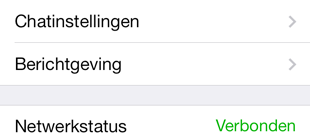
- Toggle off the option Save to Camera Roll
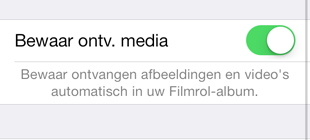
- By default, this setting is turned on. No idea why — but disabling it will save you a lot of storage space on your phone.