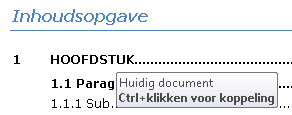
Follow Links Directly in Word 2010
Not only on the internet are links widely used to click through. Links are also included in Word documents to point to places within the document, email addresses, or web pages.
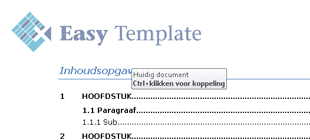
CTRL+Click to follow link
By default, Word is set to require holding down the CTRL key to follow a link. That is an extra step that can easily be avoided by changing a setting in Word.
How to Follow Links Directly in Word
- Choose >> File

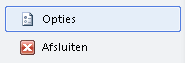
- Then choose >> Options
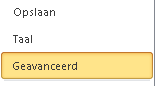
- Click >> Advanced
- Uncheck >> Use CTRL+Click to follow hyperlink
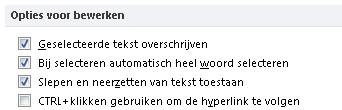
- Press >> OK to confirm the setting

Table of Contents in Word
A table of contents in Word is actually a collection of links. In a table of contents, the links refer to sections within the document itself. When a Word document contains a table of contents, you can now click directly to a chapter or paragraph.