
Keyboard Shortcut: Cell Formatting in Excel
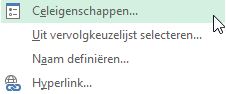
By pressing the keyboard shortcut CTRL+1 while selecting a cell or multiple cells, the Format Cells dialog box opens. But even within the dialog box, you can work without using the mouse.
Sample File
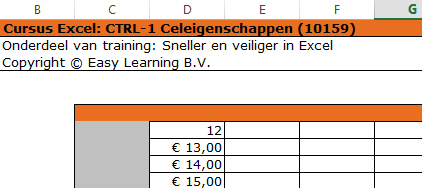
In our example, cell D7 contains the number 12, but it’s not formatted correctly.
Instructions
- Go to cell >> D7
- Press >> CTRL+1
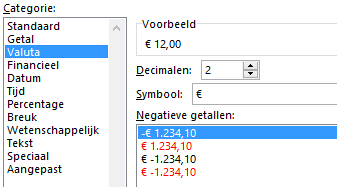
- The dialog box >> Format Cells opens

- Select Currency
- Click >> OK
Instructions Without Using the Mouse (as much as possible)
- Press CTRL+G (Go To)
- Type >> D7
- Press >> ENTER
- Press >> CTRL+1
- Press the TAB key to activate the category section
- Use the arrow keys to select >> Currency
- Press >> ENTER
Copy Format from Another Cell
Another option is to copy the formatting from one of the other cells. This can be done using Paste Special.