
Keyboard Shortcuts and Function Keys
Using keyboard shortcuts helps prevent issues like RSI and also increases your productivity. Here you’ll find an overview, as well as tips on reducing mouse usage.
Of course, you’re not expected to memorize all function keys. You’re probably already using CTRL+P for printing and CTRL+S for saving. But how much time could you save if you used the keyboard shortcuts for the 25 most common actions on your computer? The answer: a whole lot.
How to Start Using Shortcuts
- Identify an action you perform frequently but don’t yet use a shortcut for
- Pick one shortcut per week
- Use that shortcut every time you perform the action for a full week
- Within a day or two, you’ll stop using the mouse for that action
- Repeat this process weekly with a new shortcut
- This can save you tens of thousands of mouse clicks per year!
Keyboard Shortcut Overview by Program
We’ve collected the most commonly used keyboard shortcuts and key combinations so you can start right away. For many of them, we’ve even created instructional guides.
Microsoft Office 2010 – Shortcuts and Function Keys
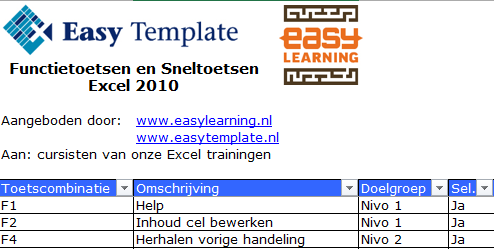
- Excel 2010 Shortcuts
- Word 2010 Shortcuts
- Outlook 2010 Shortcuts