
Linking headings to a list style
How to Link Headings to a List Style
- Now that the list style has been created, the headings are not yet linked to the list—or not all of them are.
- Click inside a heading or on the text that needs to become a heading.
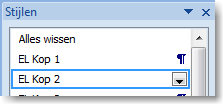
- Select the style that the text should be linked to.
- In our example, we already used Heading 2, but it doesn’t have the correct formatting yet.
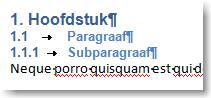
- Sometimes text is already linked to a heading style, but an old setting is interfering.
- By selecting the paragraph heading and clicking the heading style again, the formatting will immediately be updated.
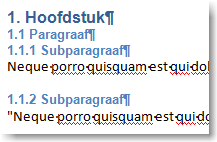
- The text is now correctly formatted.
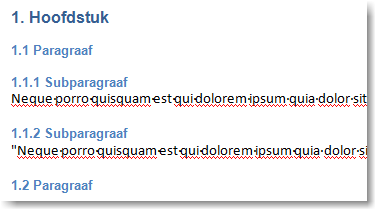
- Finally, adjust the spacing before and after the heading, and your document will look professional again.
Steps to Follow
This method consists of several steps and is intended for users who are experienced with Word or familiar with working with Word templates.