
Recognize phishing emails
The emails asking you to log in to your bank look increasingly genuine. But phishing emails are still quite easy to recognize.
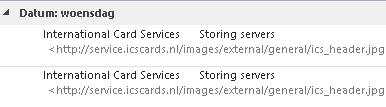
Emails Look More Real
A year ago, emails were often full of spelling mistakes (due to translation programs), but now that is a thing of the past. The email looks authentic and uses correct English language.
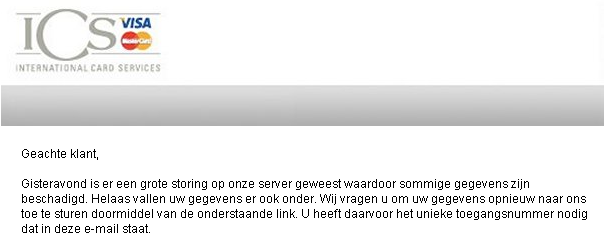
What is Phishing Mail
Phishing is derived from fishing. The attacker tries to fish for your data. A common characteristic is that an email is sent with messages like your data is blocked or a crash has occurred. Ultimately, you are always asked to log in somewhere with your details.
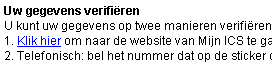
Do not do that; as soon as you do, the sender of this phishing mail has all your login details for your bank.
How to Recognize a Fake Email
Somewhere in the email, there is always a link you are supposed to follow. You can see the website address by hovering your mouse over the link (careful: do not click).
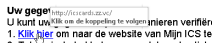
In the above example, the URL (website address) the link leads to ends with .vc, the country code for Saint Vincent. That is not where ABN or the credit card company is located.
If There Really Is an Issue
A bank, which is usually involved, has backups and will restore them, but will never ask you to log in and enter your data that way. If they do, it will always be through the usual official channels, not by simply asking for your details.
Keep Your Virus Scanner Up-to-Date
Of course, you should always ensure that your virus scanner and anti-spam software are up-to-date, but sometimes phishing emails still get through or the update is not installed yet.