
Spell Check in Excel
In Microsoft Word, users are corrected live for any spelling errors. However, in Excel this feature is not enabled by default.
This article explains how to check spelling in Excel.
Checking spelling while working
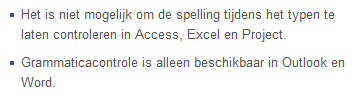
Excel Help is not very clear on this. At some places, Help suggests you can enable automatic spell checking while typing, but that’s not possible in Excel.
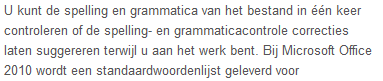
In other places, this is clearly stated.
Video: here’s how it works
A picture is worth a thousand words. We’ve published an instructional video for this tip.
Checking all spelling at once
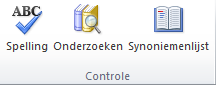
- Go to the tab >> Review

- Select >> Spelling

- Excel starts the spell check, just like in Word
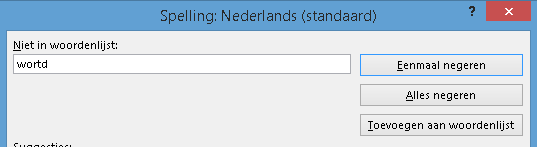
- Accept the suggested changes or add specific words to the dictionary
- Make sure the correct language is selected at the bottom of this screen
- If your Excel worksheet is in Dutch, you can add frequently used terms (jargon) to the dictionary
Keyboard shortcut for spell check
And of course, this option also has a keyboard shortcut. Press the function key F7 to start the spell check.