
iPhone: turn off game invitations
Turn off game invitations
Been invited to play games? Here’s how to turn off the notifications.
Games often automatically configure notifications to be sent. What someone sends can only be set by that person, but you can configure your iPhone so that you no longer receive notifications for games such as Candy Crush.
Procedure: disable Facebook invitations
- Open >> Facebook
- Tap the three lines at the bottom of the screen

- Scroll down to >> Account Settings

- Click >> Apps

- Under Platform, it shows how many apps you have allowed to communicate with your Facebook account
- Click >> Platform
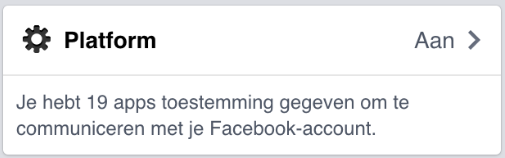
- You can configure per app whether you want to receive messages, but you can also turn them off all at once
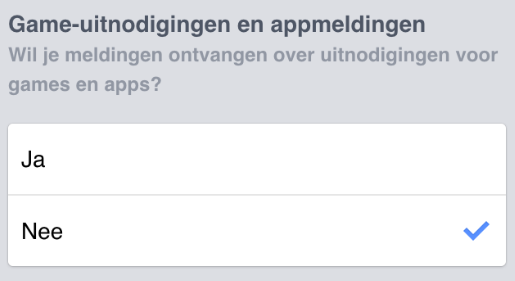
- Turn off game invitations and app notifications
Disable game invitations on PC
To disable game invitations in Facebook on your PC, follow the procedure below: