
Create a YouTube Channel
Sooner or later, you’ll need a YouTube channel as a marketing tool. Whether you plan to use it now or later, it’s best to set it up in advance.
Create a YouTube Channel – Step by Step
- Go to www.youtube.com
- Go to Sign In
- YouTube can only create a channel if you have a Google Account
- On the login screen, the Google accounts already on your computer are displayed

- You can also add a new account
- Select your account and sign in
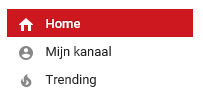
- Click >> My Channel
- YouTube suggests using your own name for the channel
If you want to use it for your business, click >> Use a business name or another name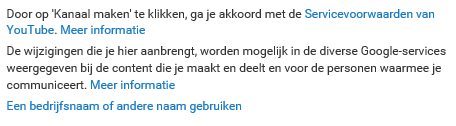
- Click >> Create New Channel if you don’t have another Google account
- If you already have a Google+ page for your business, choose >> Create channel under >> Google+ page for [email]
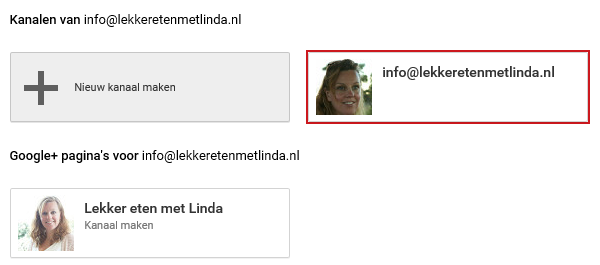
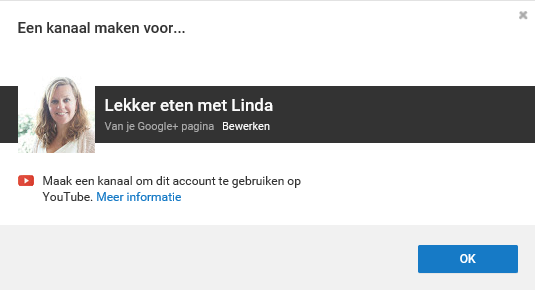
- YouTube suggests creating a channel for your Google+ page
- Click >> OK to confirm
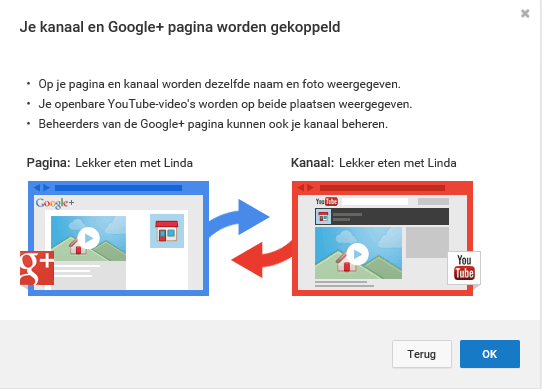
- Your channel and Google+ page are now linked
- Confirm this with >> OK
- Your channel is now created